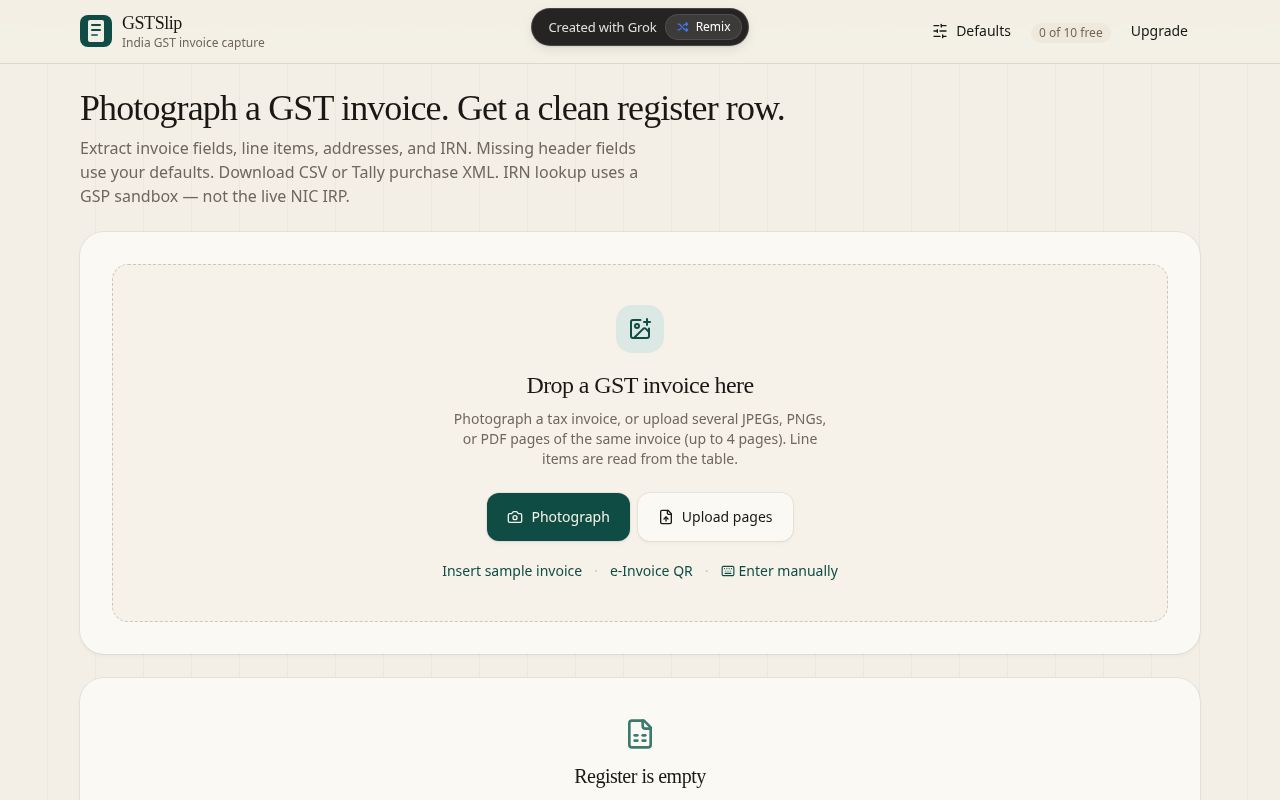
Photograph or upload
Drop a GST tax invoice — photograph it, upload JPEG/PNG/PDF pages, try a sample, scan an e-Invoice QR, or enter manually.
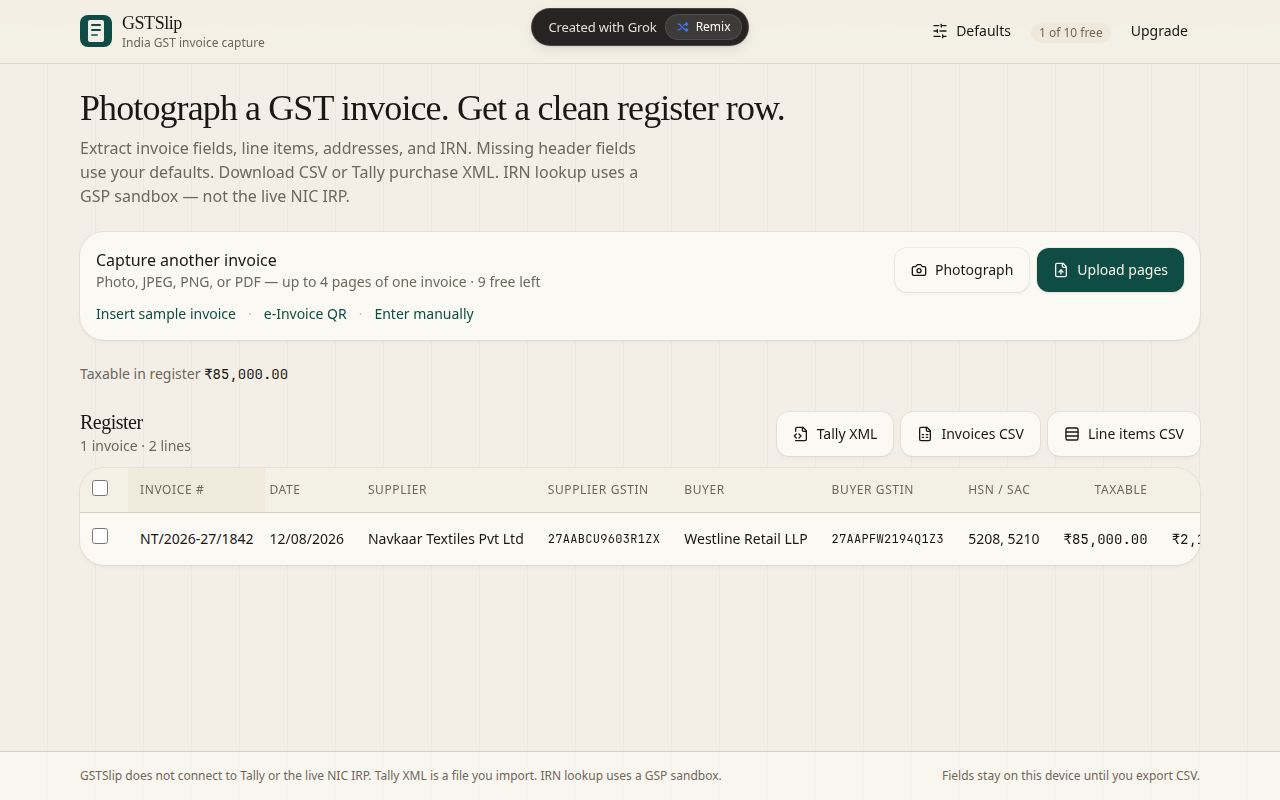
Capture another invoice
After a capture, add more pages or start another invoice. Up to 4 pages per invoice; line items are read from the table.
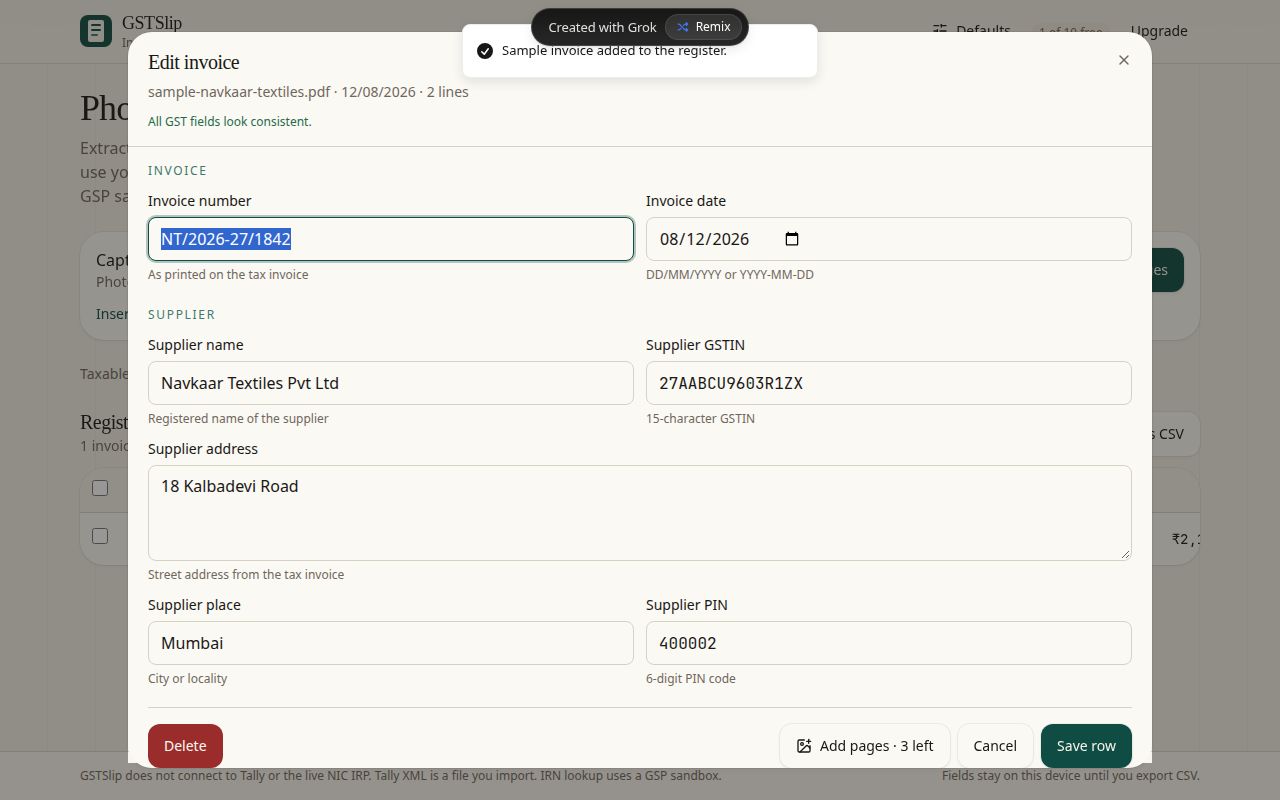
Extracted header fields
Invoice number, date, supplier and buyer GSTIN, addresses, place of supply, and totals — extracted from the photograph.
Line items & HSN
Each line shows description, HSN/SAC, quantity, taxable value, and CGST/SGST/IGST. Edit or add lines before saving the row.
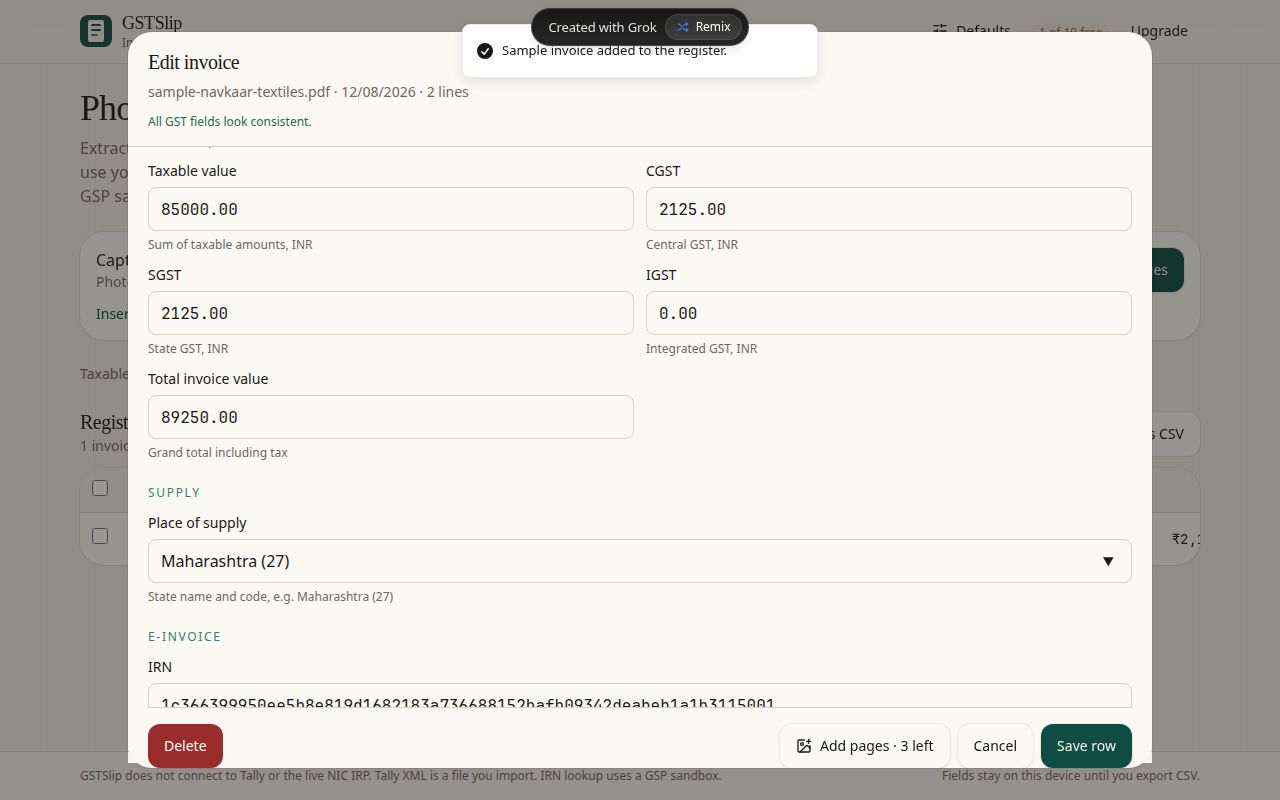
Field defaults fill gaps
Set your buyer GSTIN, place of supply, and other defaults. Missing header fields on a new invoice use these values.
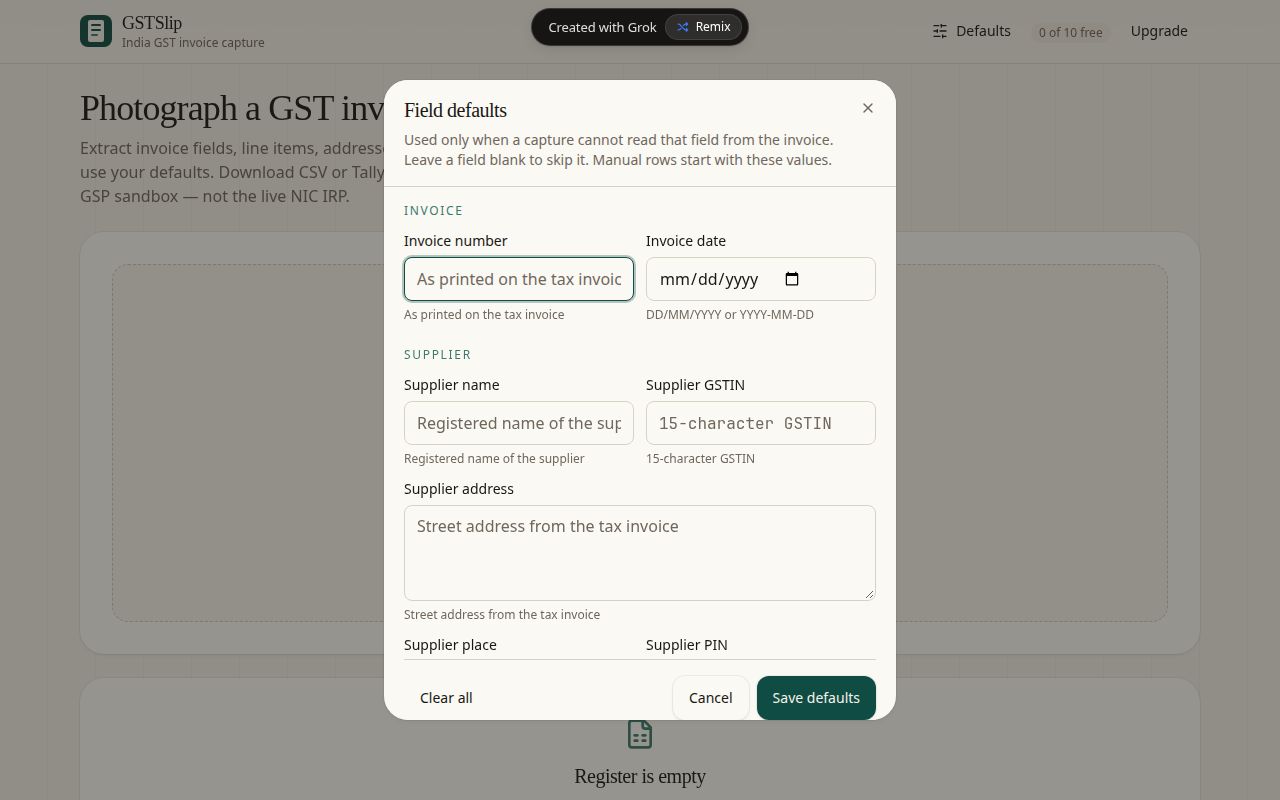
Register row
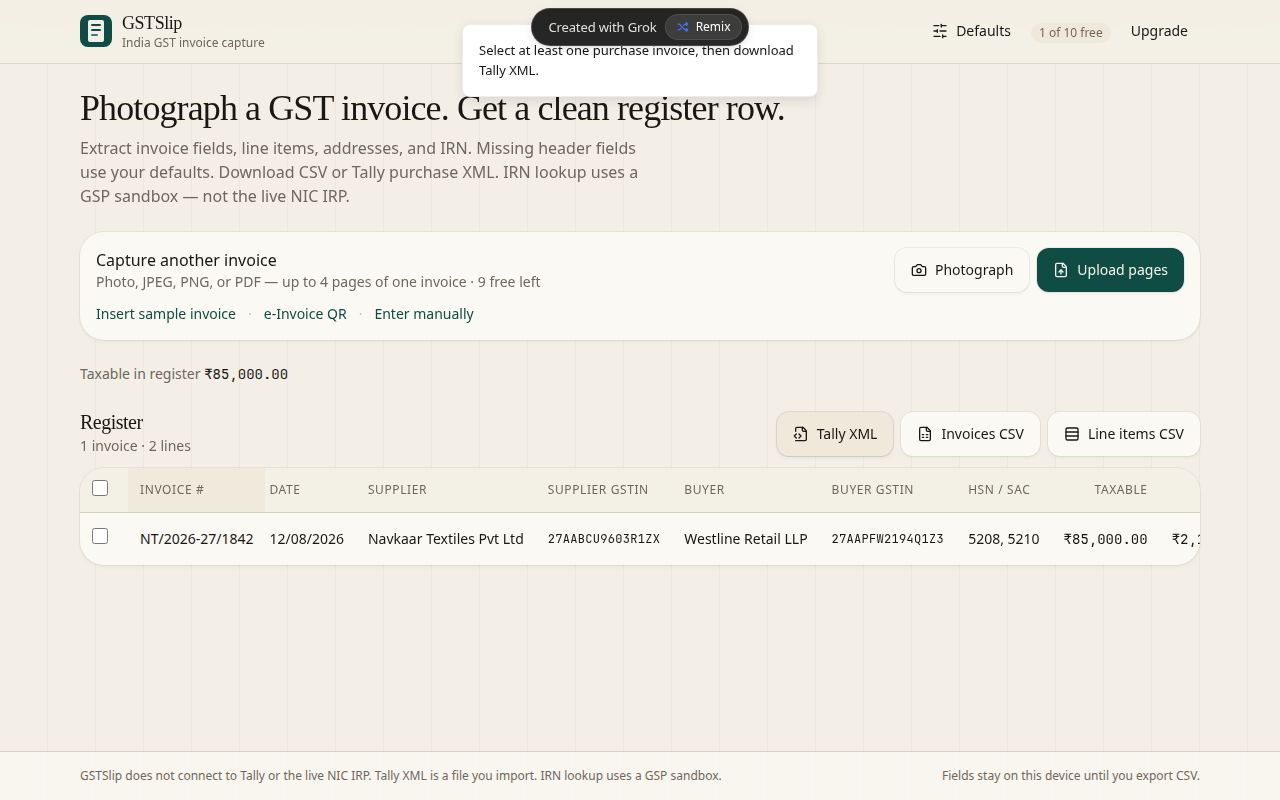
Captured invoices appear as one row each — invoice #, parties, HSN, taxable, tax split, and total. Tap a row to edit.
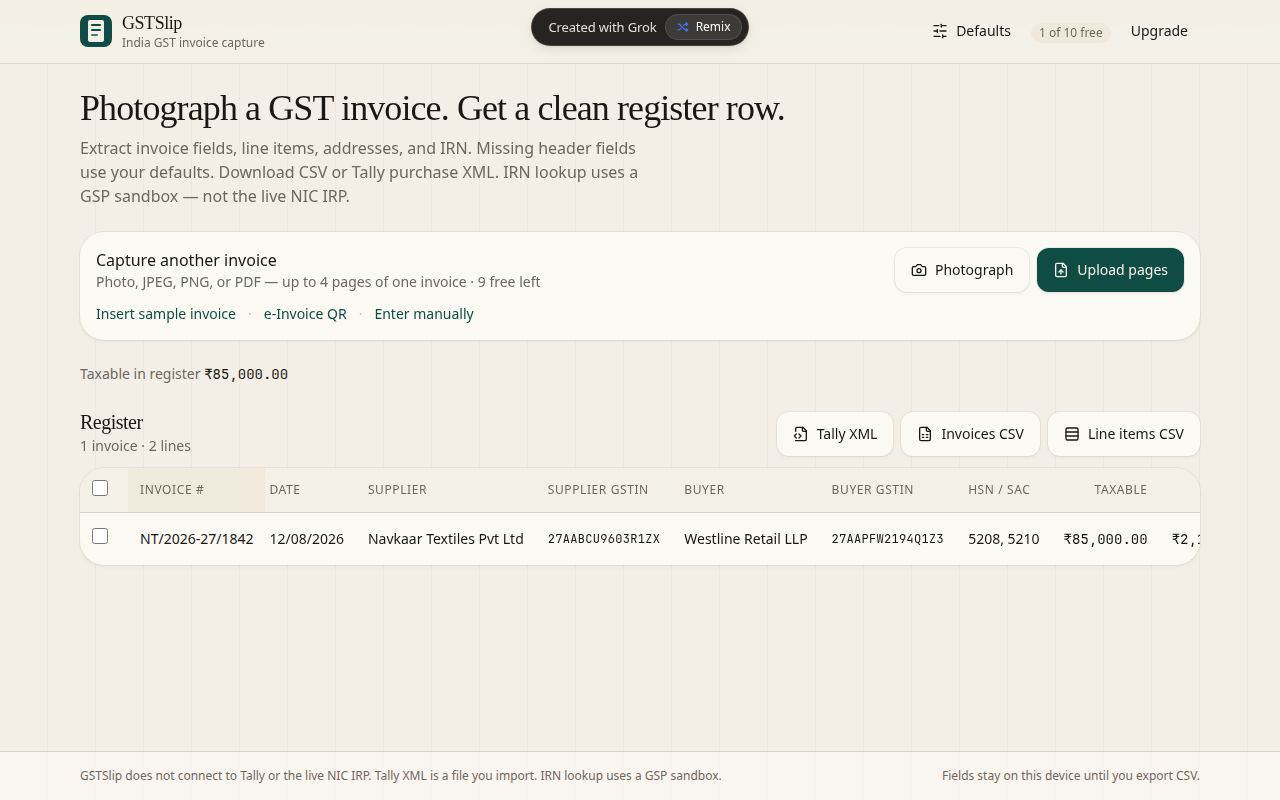
Invoices CSV export
Download an invoices CSV or a separate line-items CSV when the register is ready. Data leaves the device only when you export.
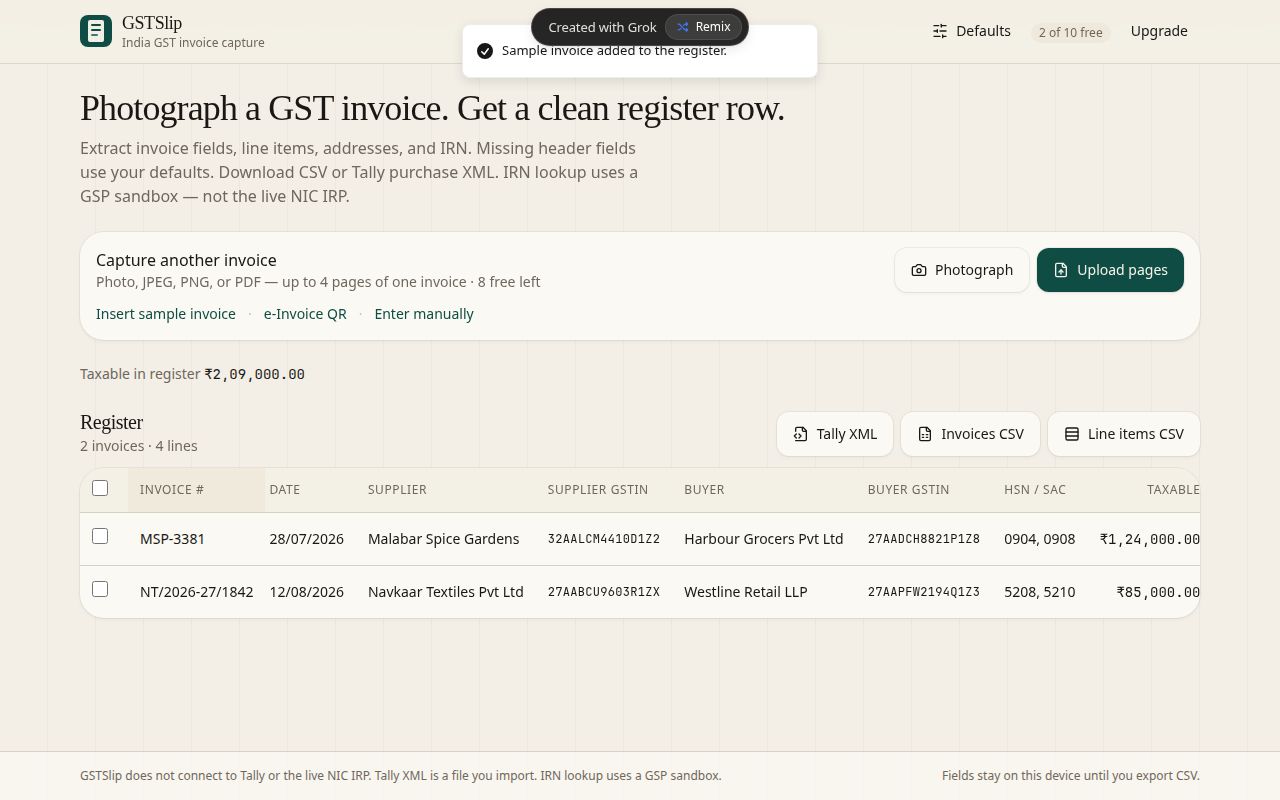
Tally purchase XML
Export Tally purchase XML as a file you import into Tally — GSTSlip does not connect to Tally directly.
IRN lookup (GSP sandbox)
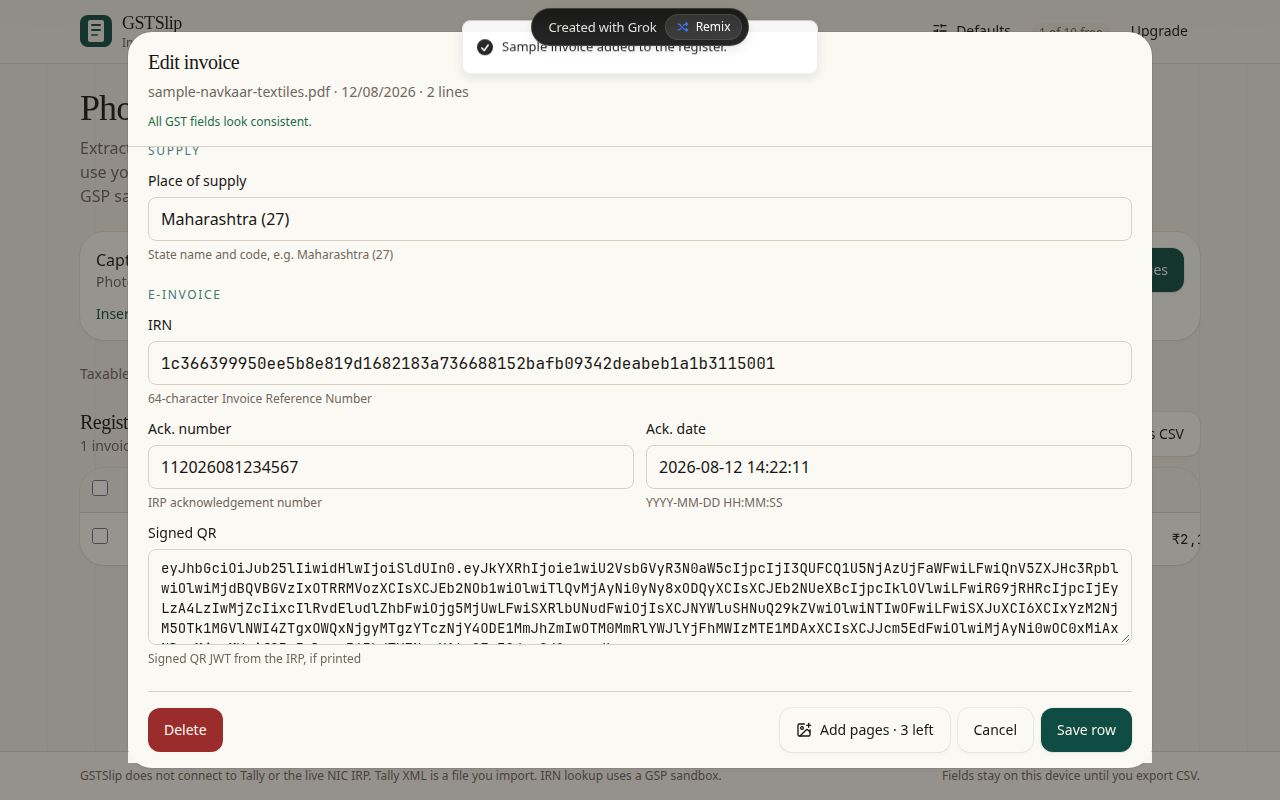
IRN and e-Invoice details can be filled from a sandbox GSP lookup — not the live NIC IRP. Use e-Invoice QR scan or manual IRN entry.
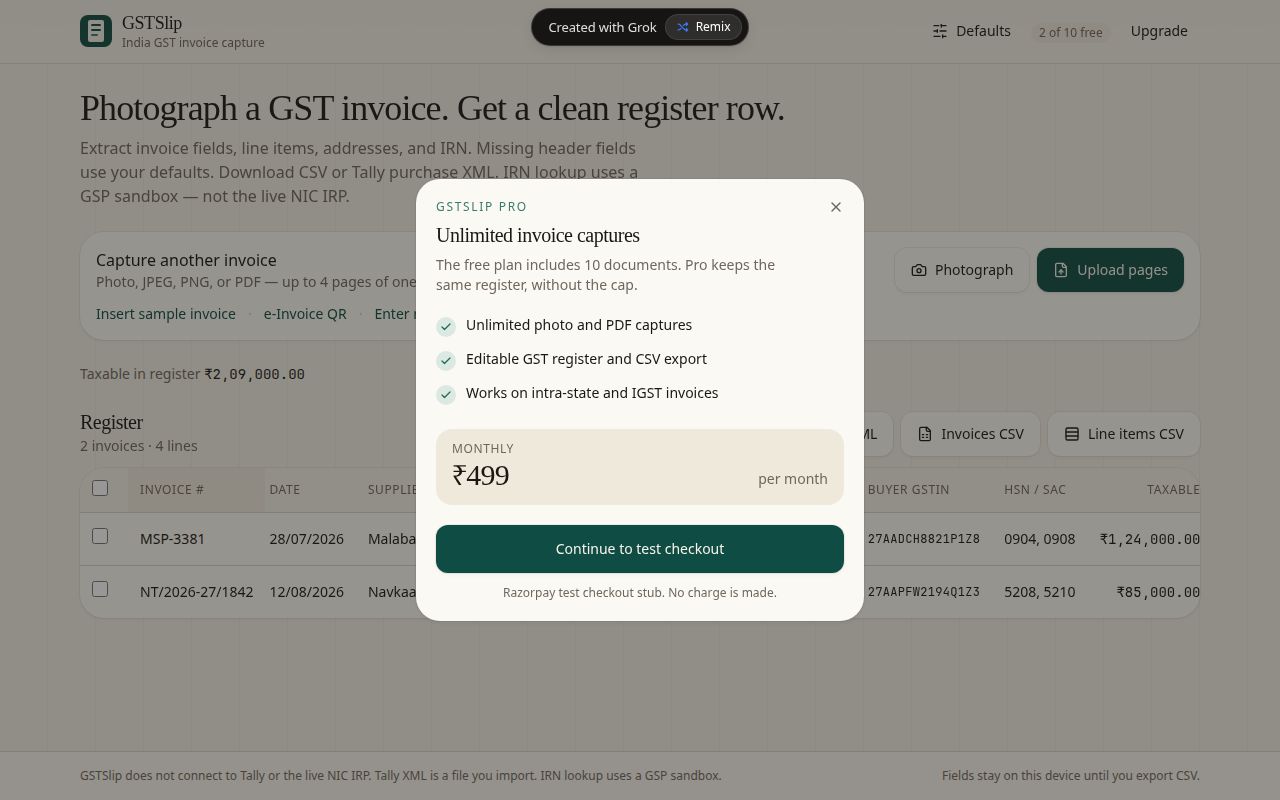
10 free docs · ₹499/month
Start with 10 free documents. Unlimited capture is ₹499/month — Tally XML and IRN included. Razorpay checkout is stubbed until production.